Selling fast!
Get yours while you can.
10008995
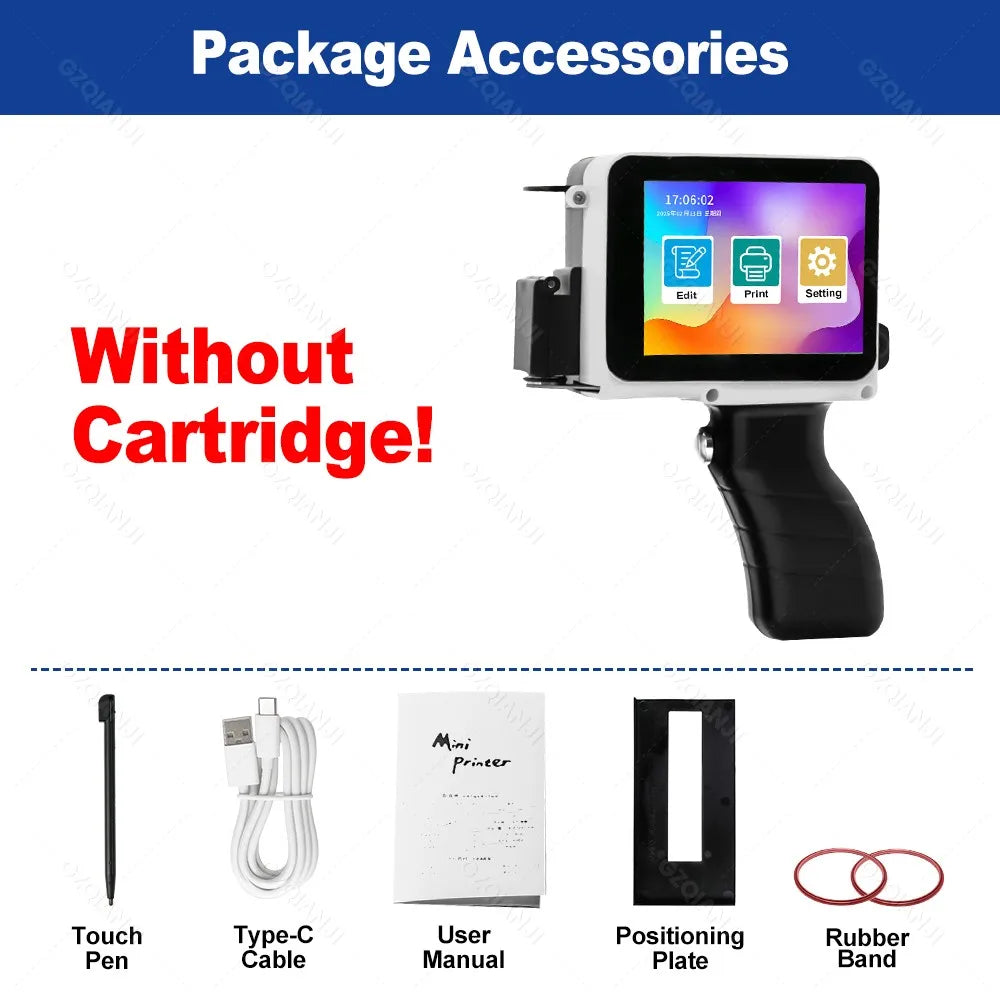
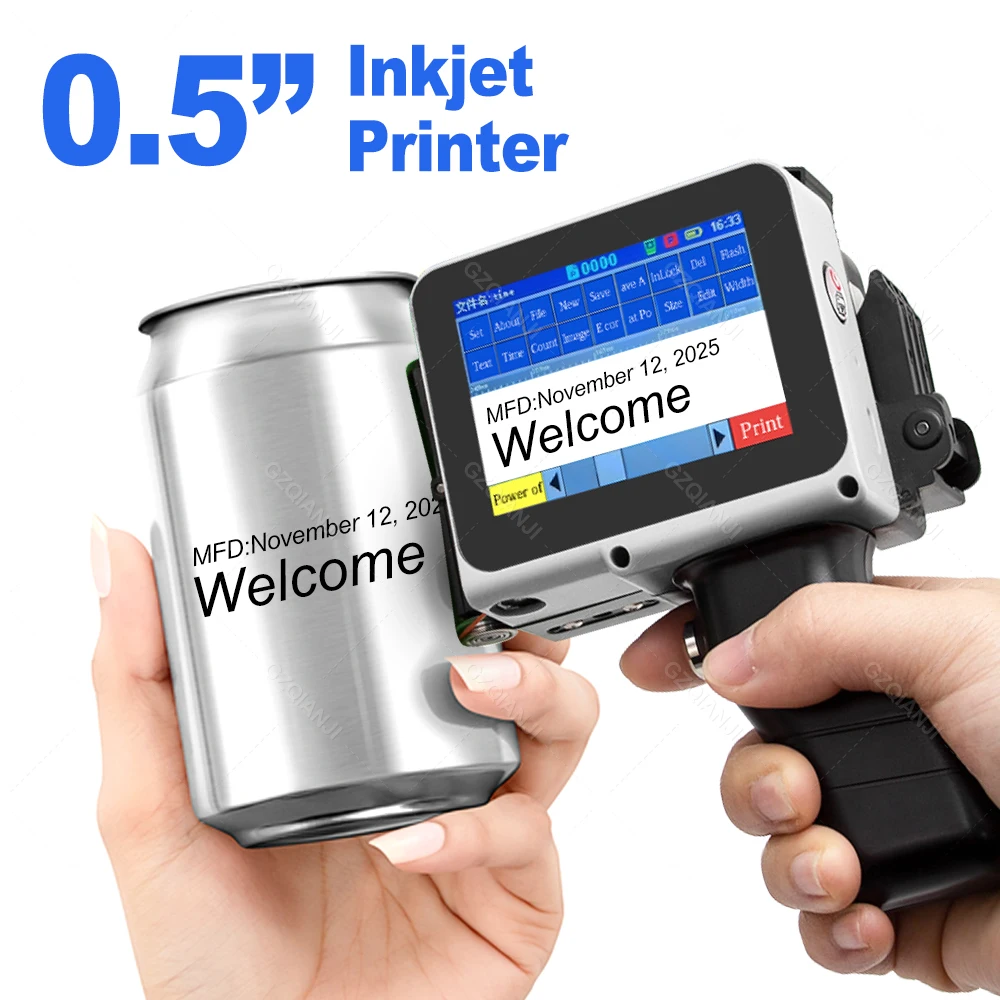
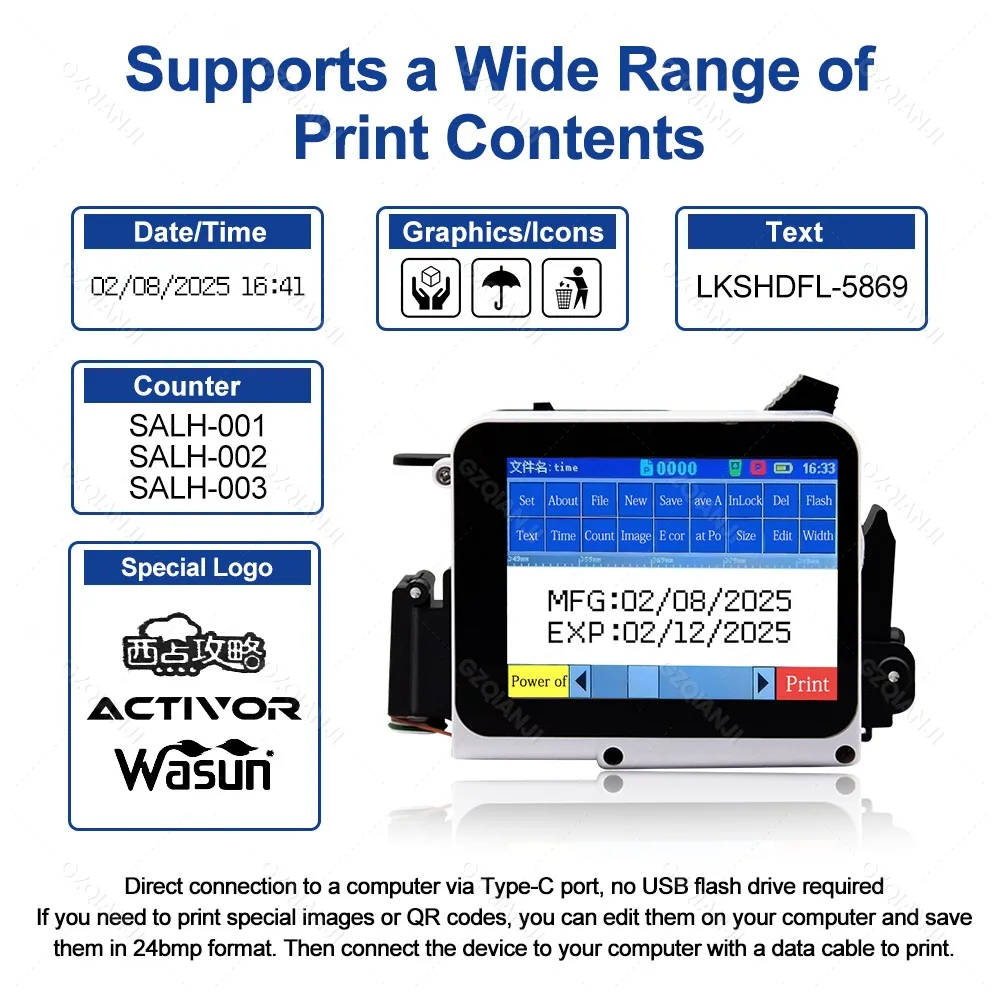
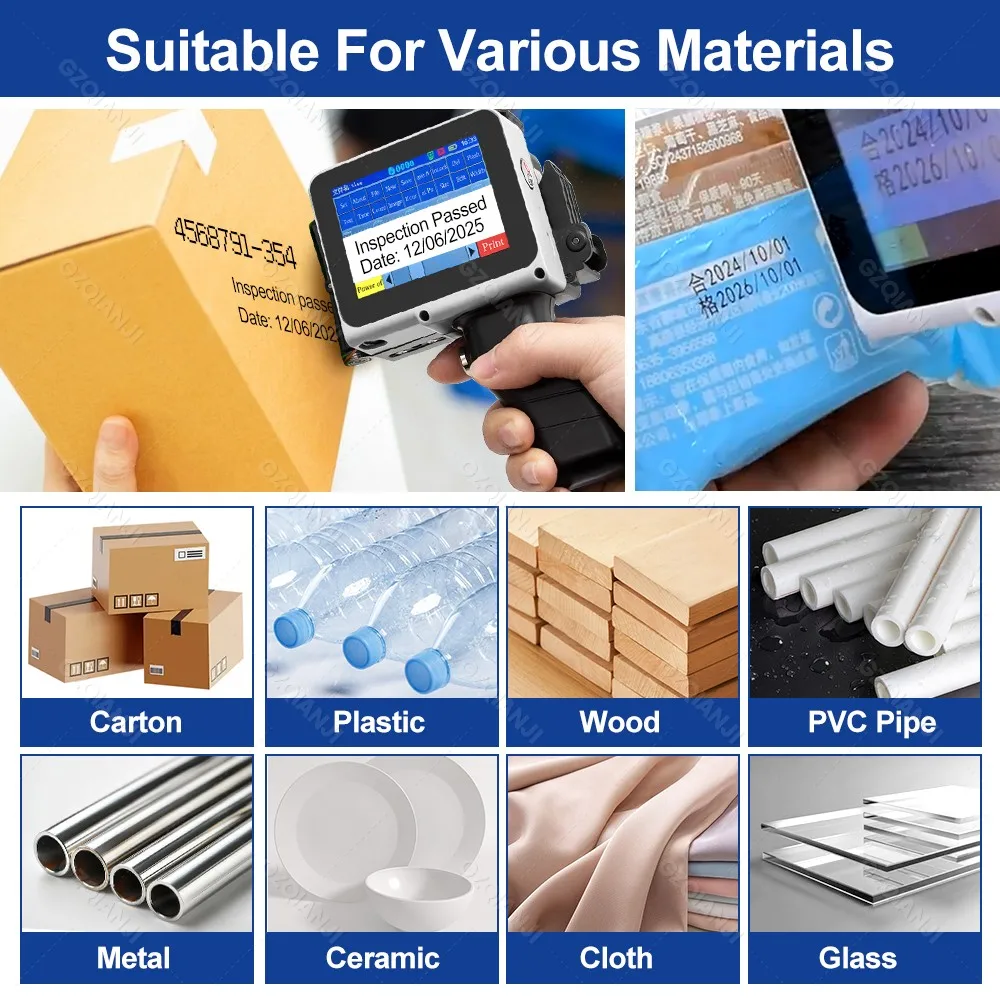
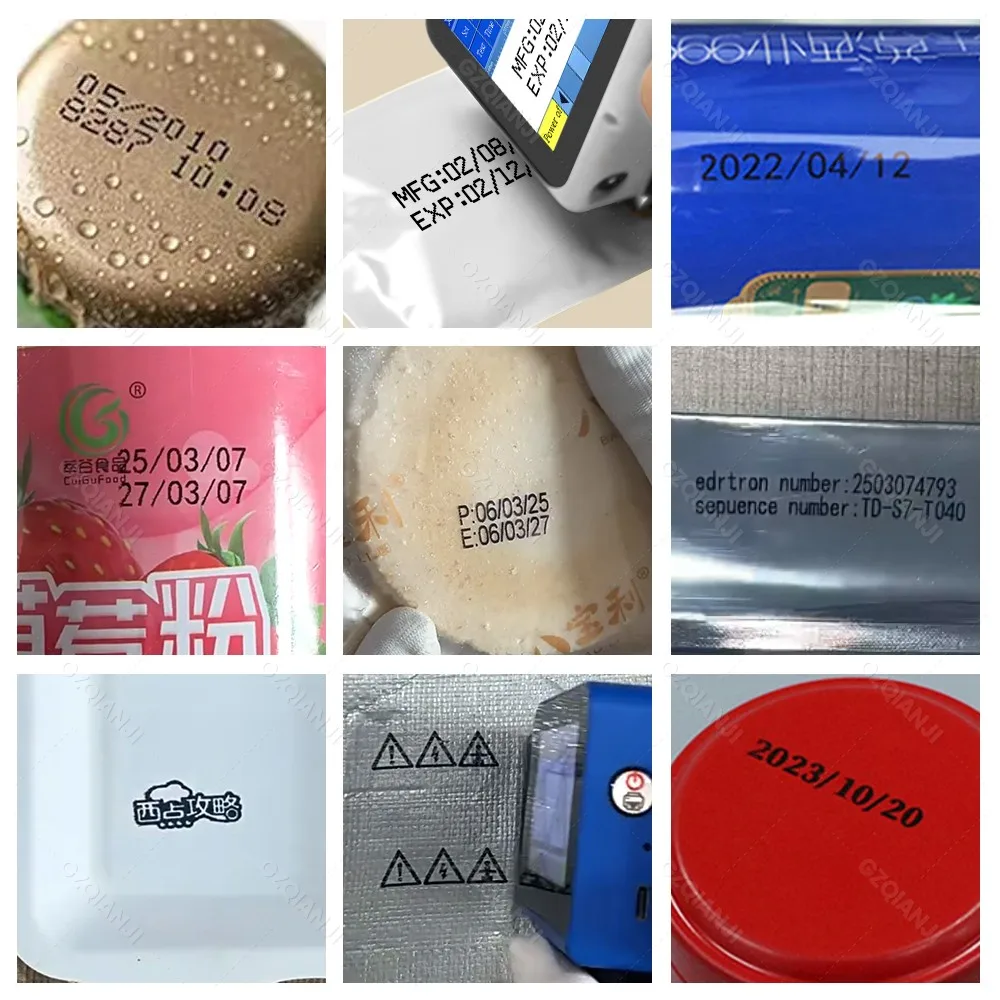
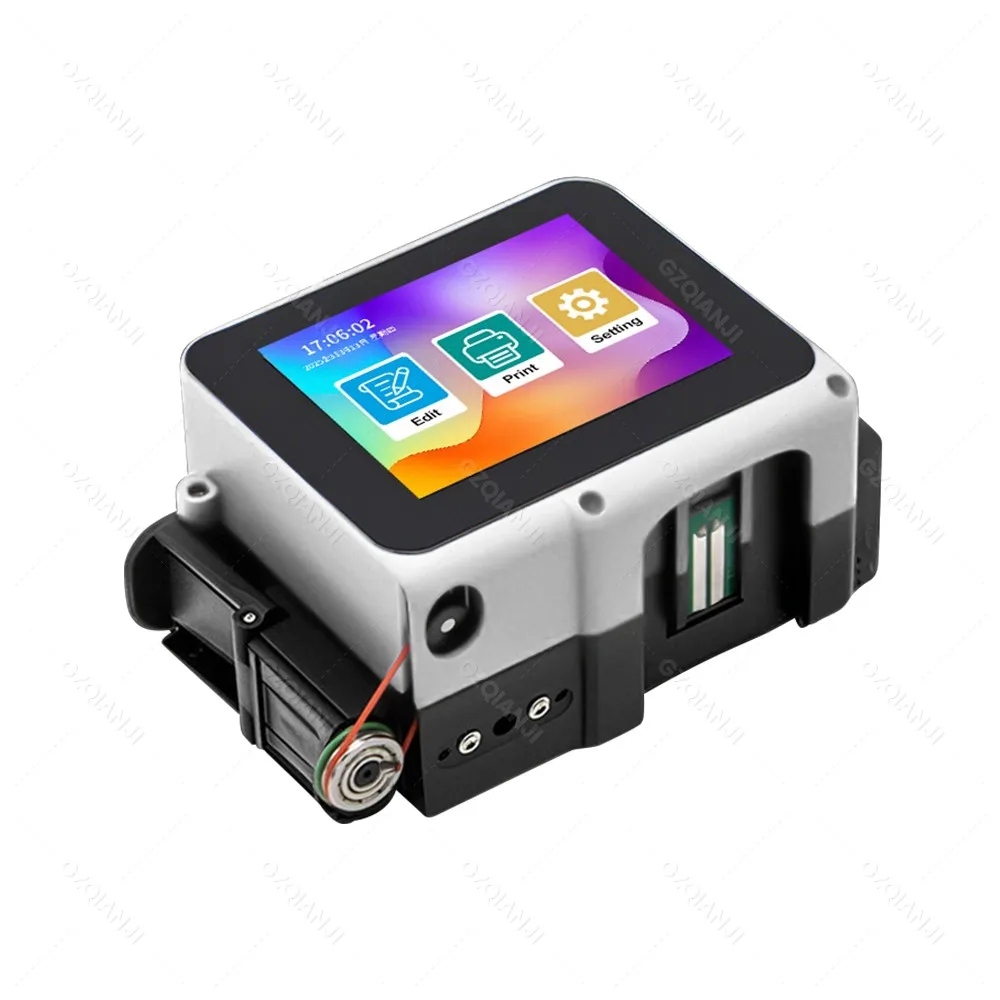
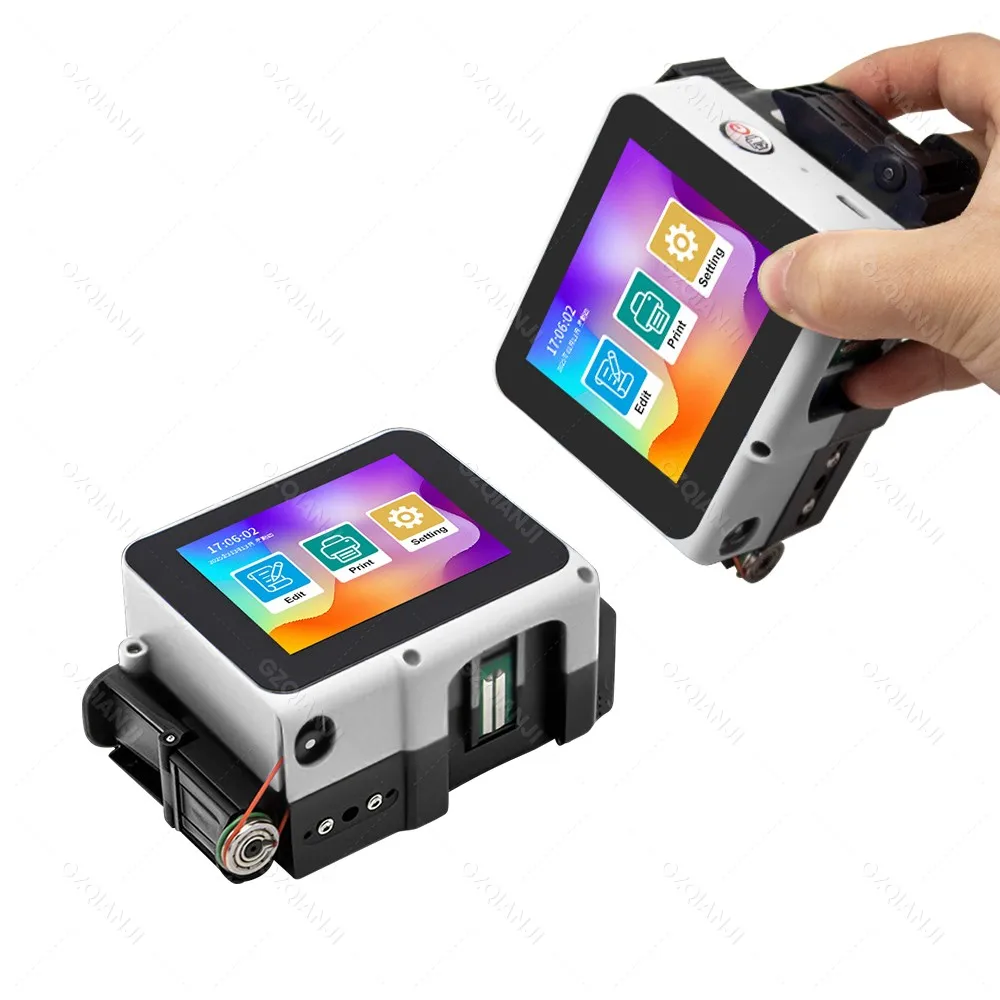
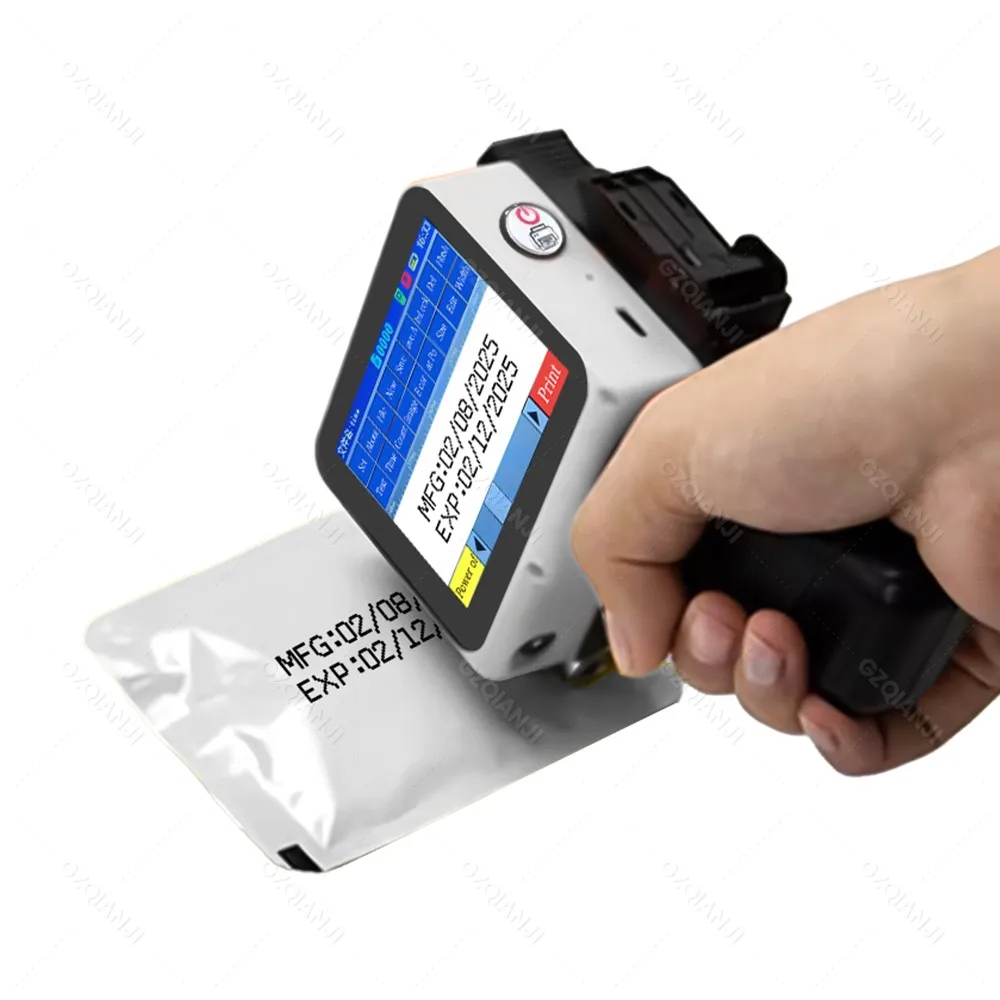
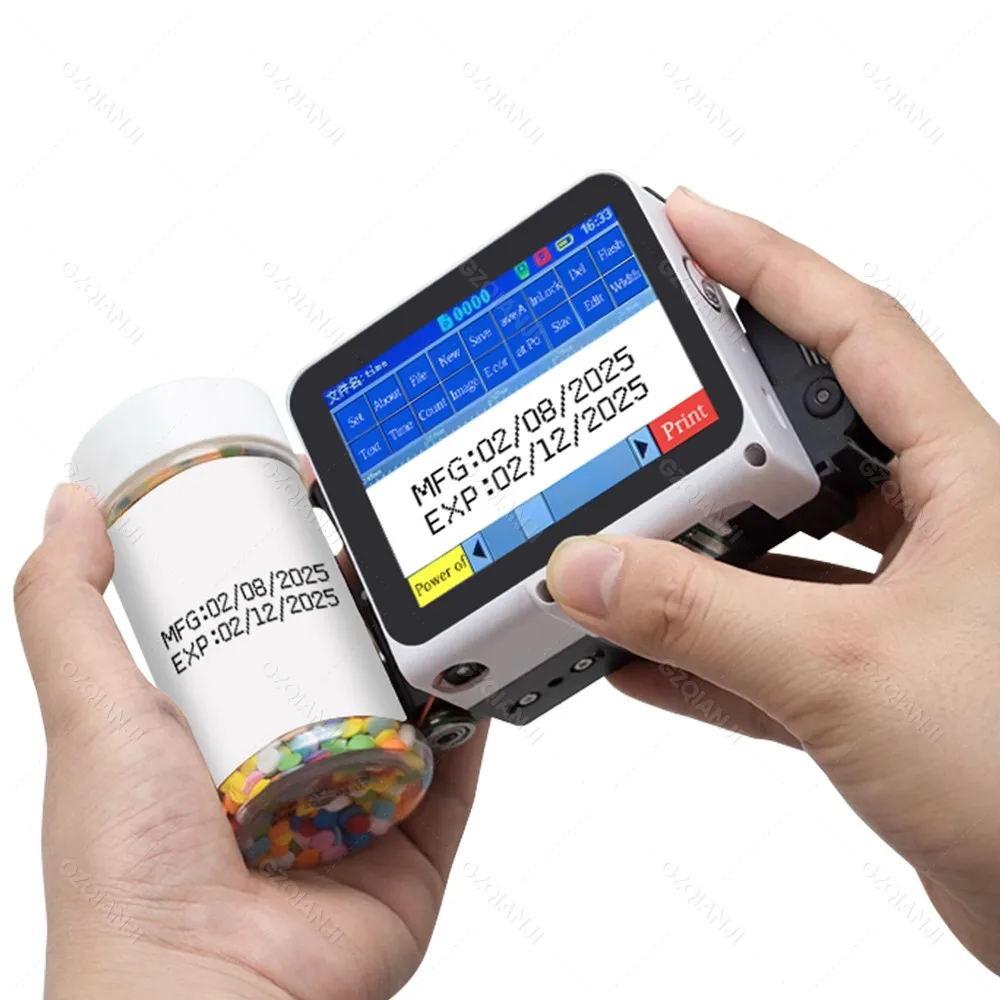
28 Languages, Portable Machine for Plastic Text Label Batch Number, Date, and Logo Printing
Product advantages:
Non-encrypted: Local purchase of ink cartridges is more convenient.
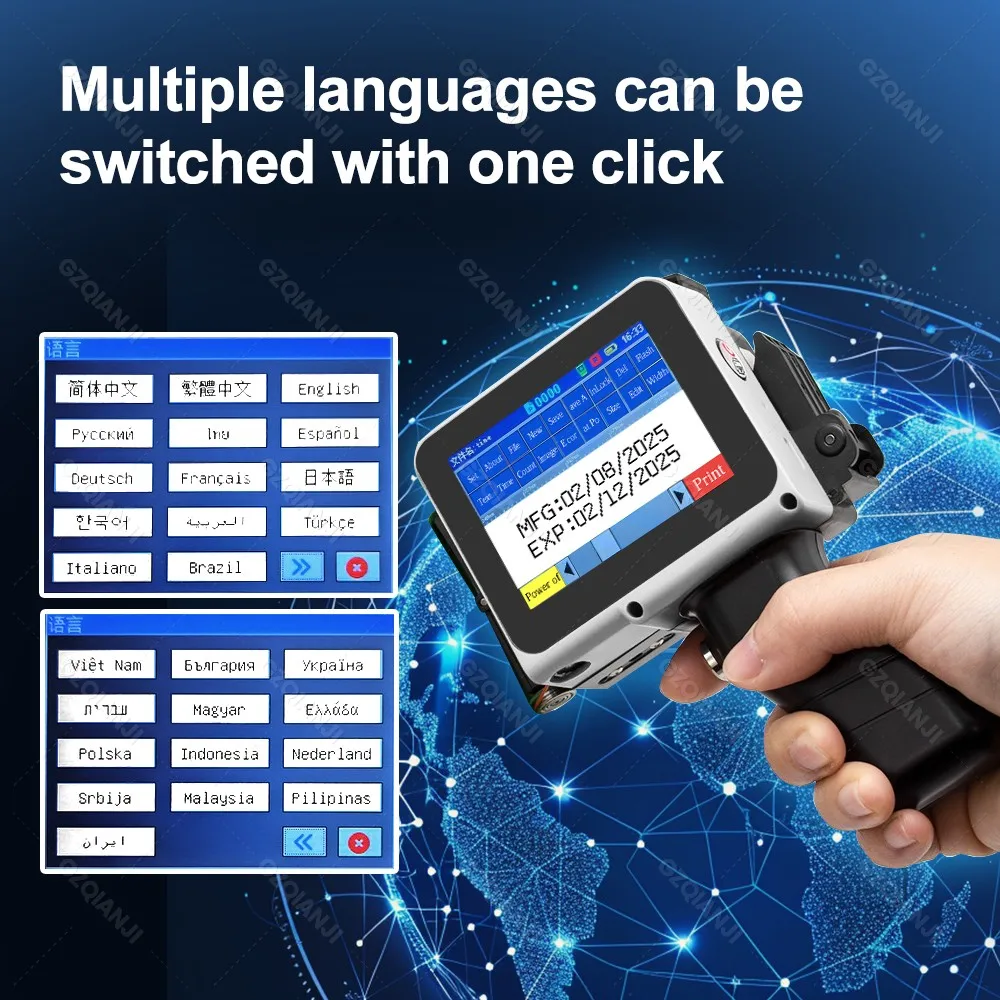
Supports more than 25 languages: Meets the needs of a diverse global customer base.
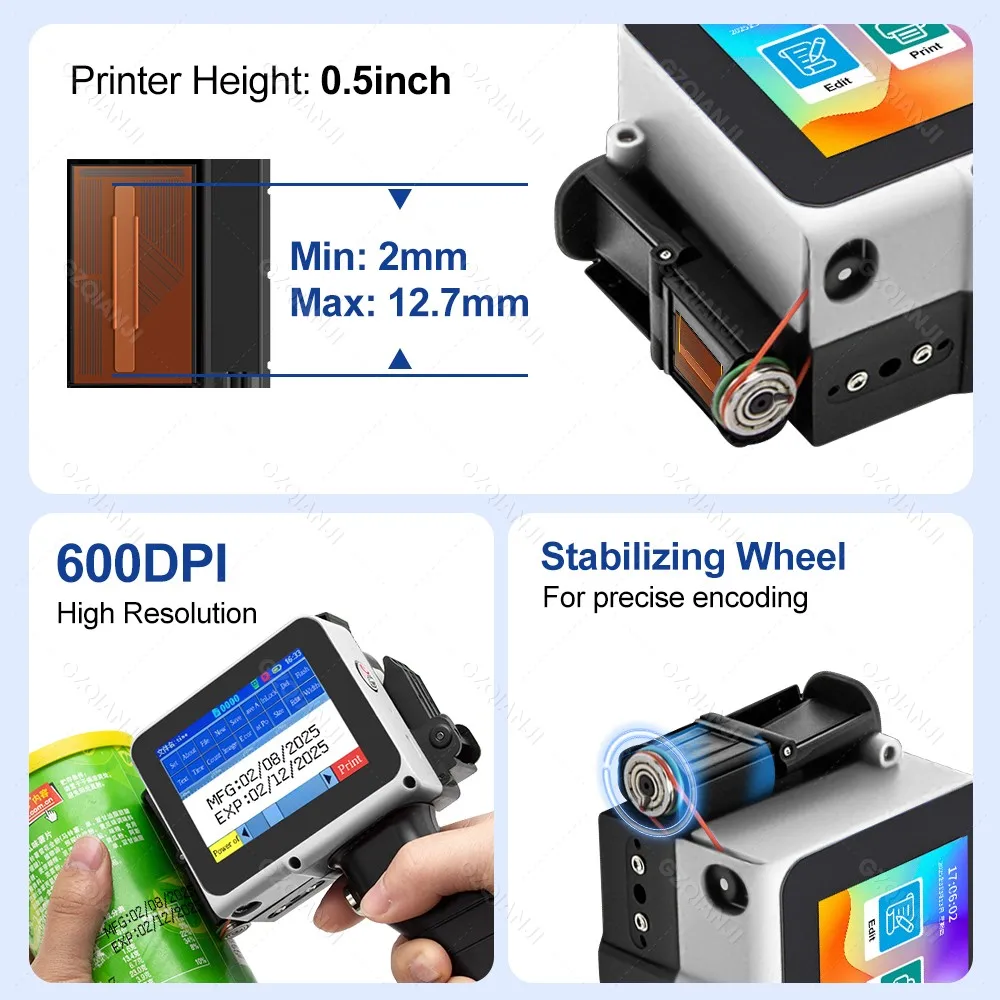
Built-in encoder: More stable and efficient.
Embedded intelligent operating system: Easy to operate and user-friendly.
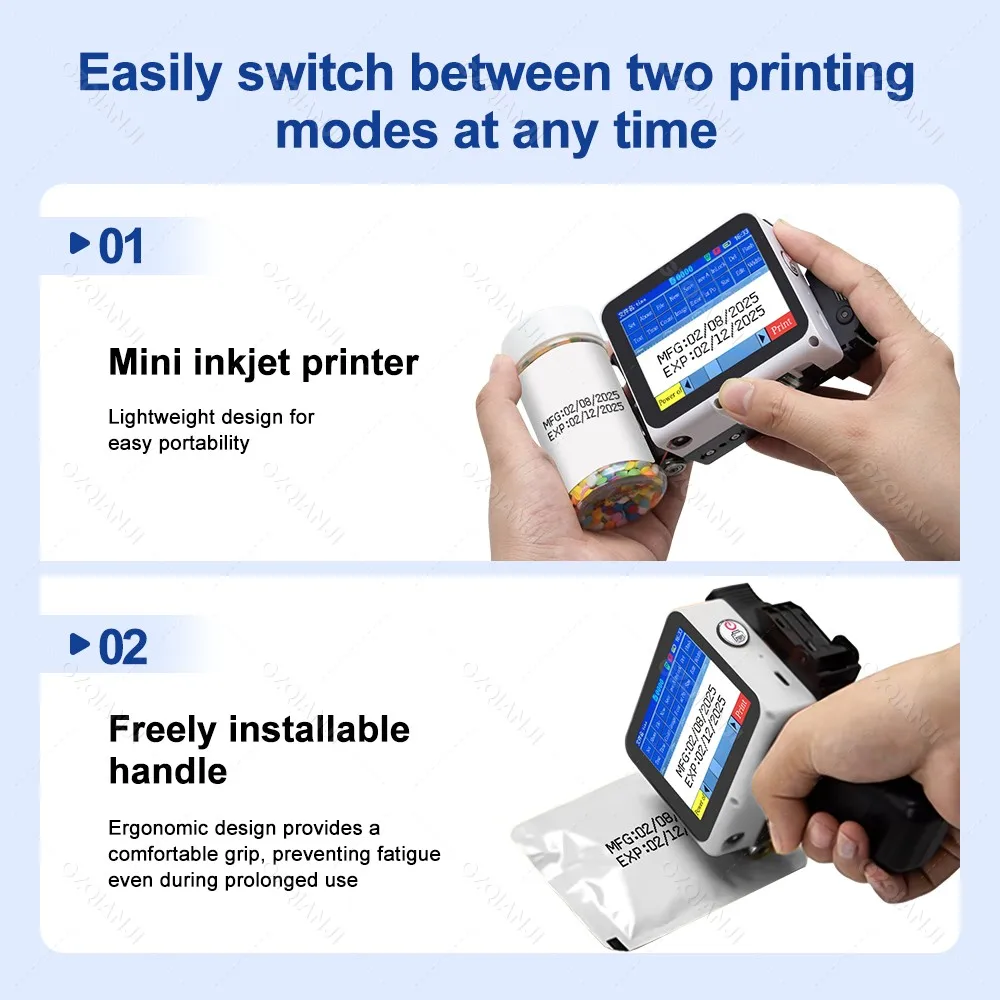
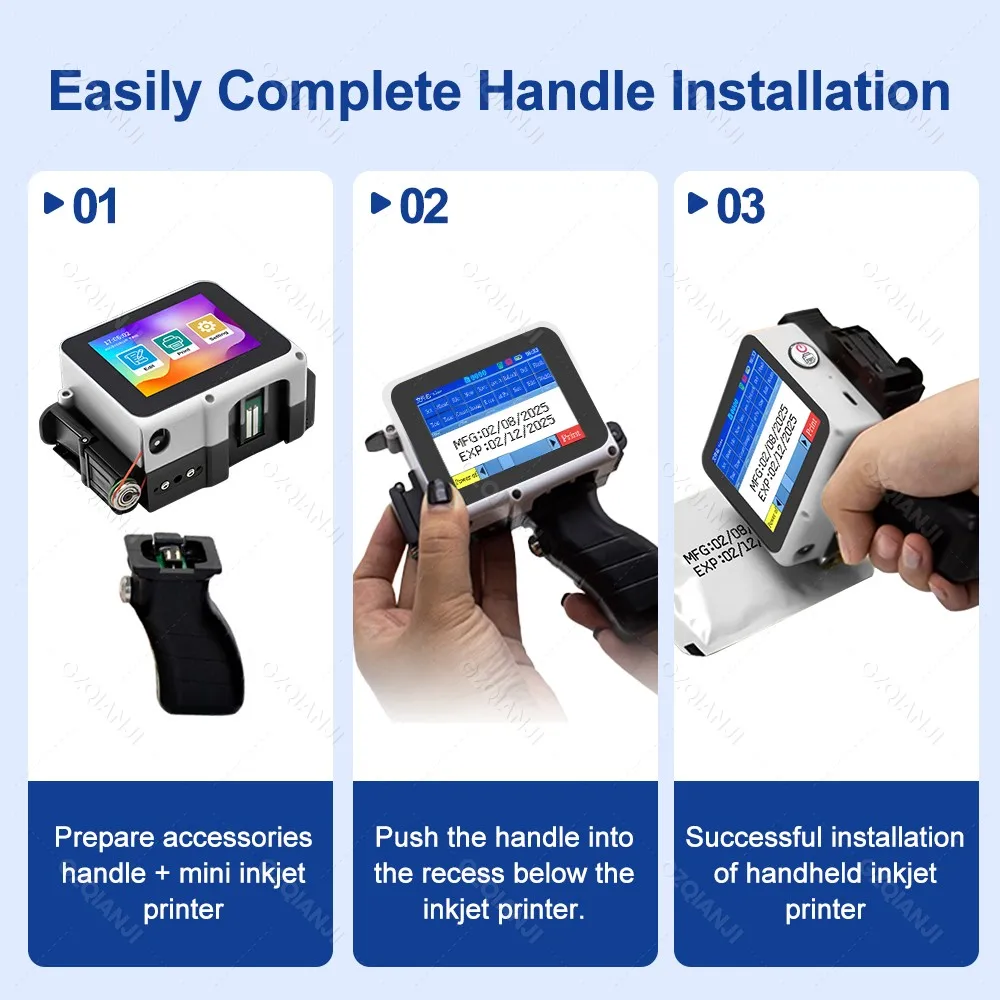
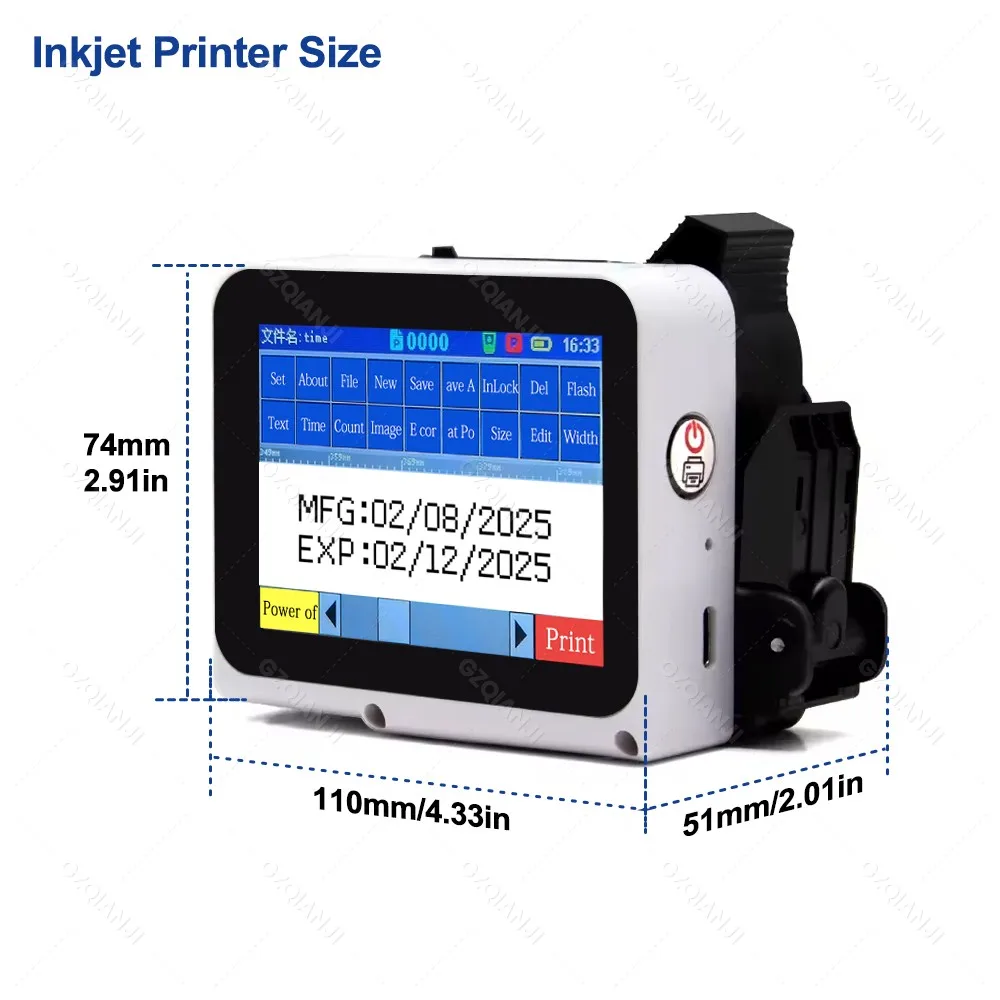
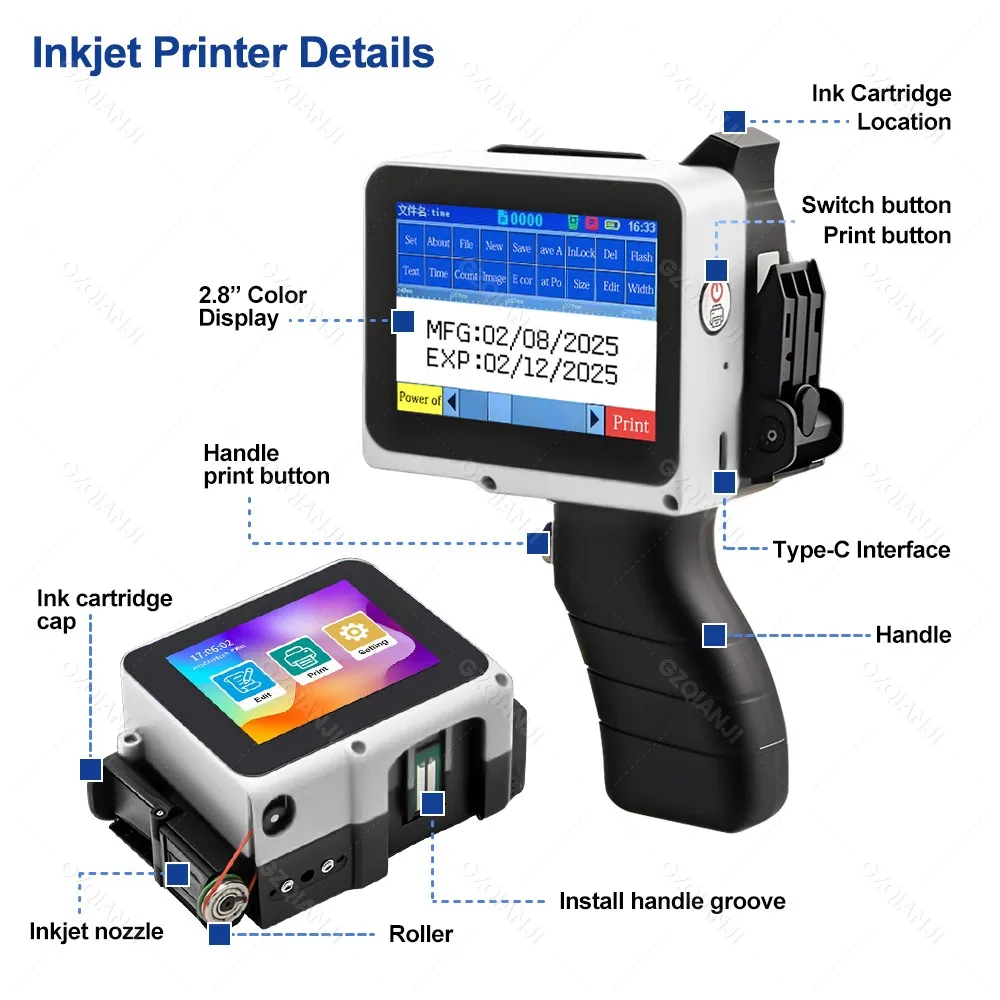
Removable handle design meets the needs of different scenarios, is portable and stylish, and follows ergonomic principles

Q&A you care about Most:
Q: How to better extend the life of the printer ?
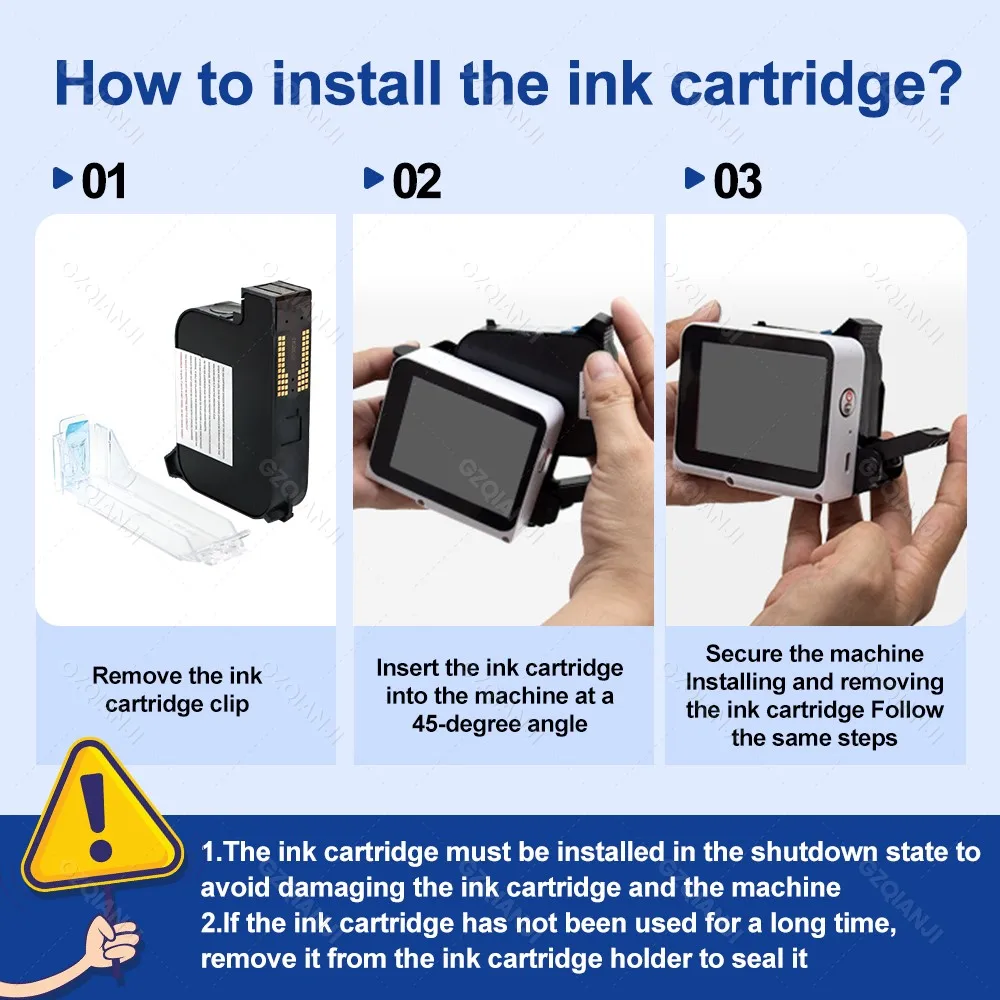
A: Before installing and removing ink cartridges, be sure to turn off the printer.
Q: How to better protect the ink cartridge nozzle?
A: When not using ink cartridges, please close the protective cover in time.
Dip a soft paper towel with a small amount of alcohol before using, and then gently wipe the nozzle in one direction.
Q: What should I do if the printer cannot print?
A:
①Check whether the rubber ring on the left side of the printer is off (not in the groove).
②Check if there the ink cartridge is installed properly.
③Switch the nozzle of the printer in the settings.
④ After turning off the printer, reinstall the ink cartridge.
⑤If you have completed all the above operations and the machine still cannot operate normally, please contact customer
service in time.
Q: The ink cartridge of the printer can print, but the printing is not clear, what should I do?
A:
①Check whether the ink cartridge nozzle is clean and dry, and wipe the nozzle carefully with a clean soft tissue.
② Take out the ink cartridge when the printer is off, shake the cartridge several times, and stick a clean tissue on the
surface of the nozzle to divert the ink.(Ask customer service for operation videos)
③Switch the nozzle of the printer in the settings.
④The above operation still cannot be solved, please consult customer service.
Q: What should I do when there is a printer phenomenon of wire drawing?
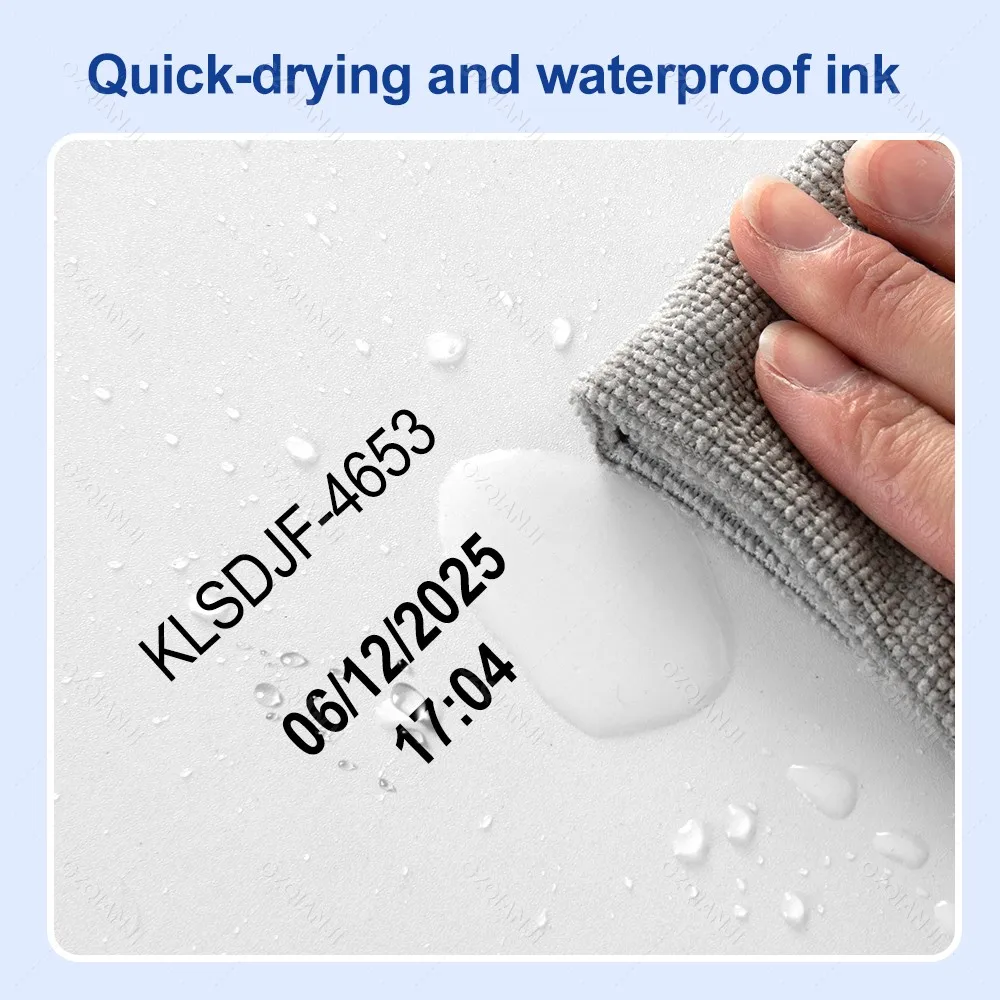
A: The ink cartridge is quick-drying. When there is a phenomenon of wire drawing, please wipe the nozzle carefully with a clean
soft tissue and switch the nozzle of the printer.
When not using the ink cartridge, please install the cover in time.
Q: Can the printer be charged?
A: Yes.
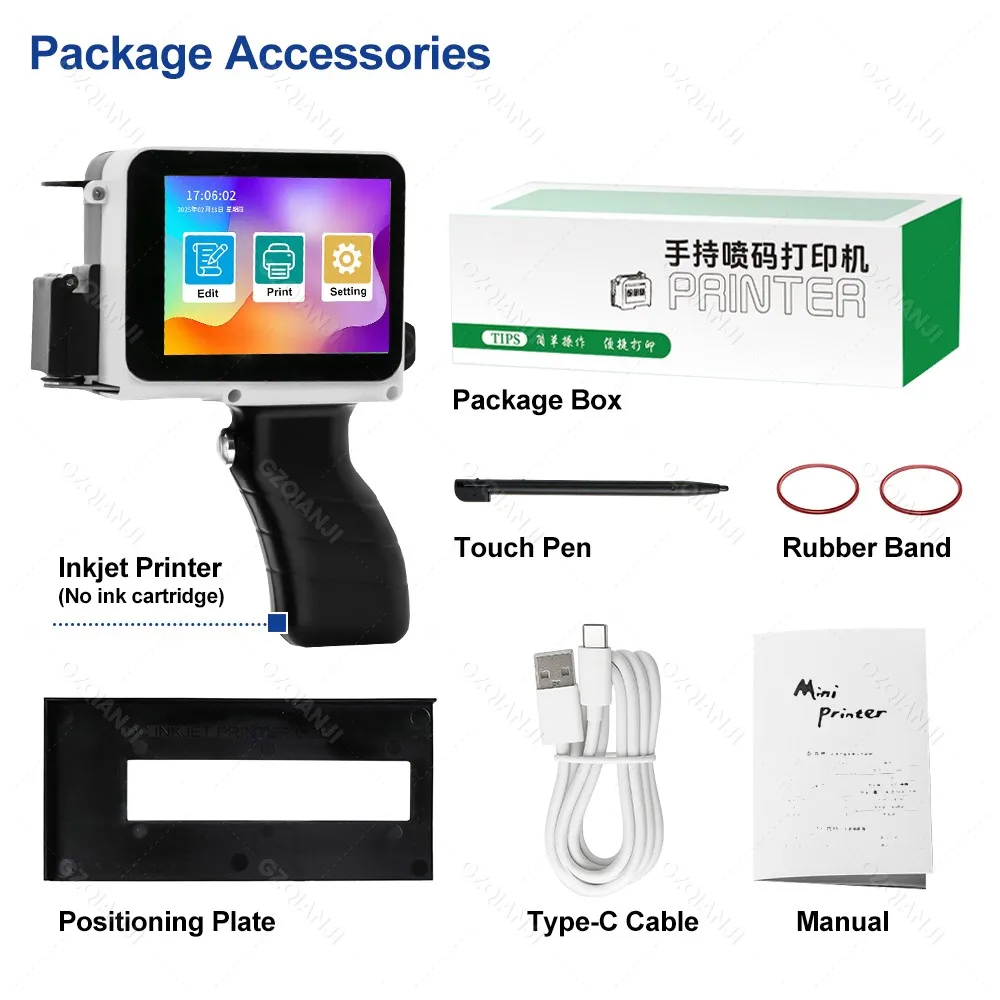
TIPS: Please use our special charger to charge the printer.
When the printer is stored for a long time and not in use, it is recommended to safely charge and discharge it every three months.
Usually Ships Out The Same Day
לא ניתן לטעון את זמינות האיסוף

Don't be a stranger.